Typing.com

Class
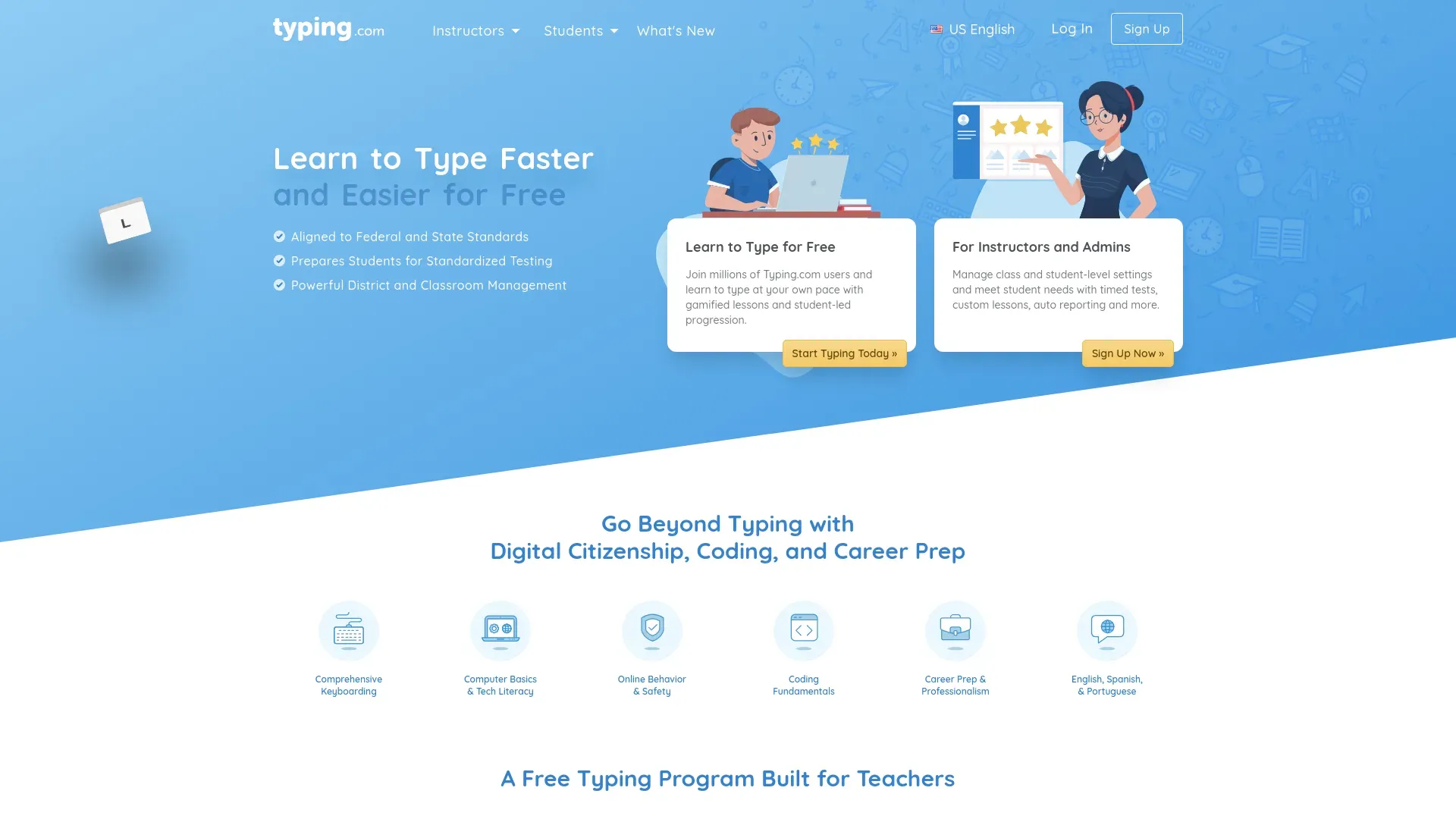
Learn to Type for Free Join millions of Typing.com users and learn to type at your own pace with gamified lessons and student-led progression.

Activities

Typing Lessons (Beginner)

Typing.com offers a comprehensive online typing curriculum that provides free interactive typing lessons suitable for all grade levels, ideal for homeschool settings. The program is designed to strengthen students' typing abilities through touch typing practice, typing tests, digital literacy, and coding lessons. Additionally, it includes engaging typing games and activities to enhance speed and accuracy. The program allows for customization by educators and provides a structured learning path that students can follow at their own pace. This online platform is excellent for improving keyboarding skills while simultaneously building essential digital competencies.

Typing Lessons (Intermediate)

Typing.com offers free, interactive typing lessons for students of all ages, focusing on improving touch typing skills and typing speed. The platform provides a variety of lessons, including introductions to typing, keyboard familiarity, and advanced typing skills. Lessons are designed to be engaging, with exercises that encourage muscle memory and accuracy without looking at the keyboard. The curriculum also covers digital literacy and coding, making it a comprehensive tool for building essential computer skills. Additional features include career-prep lessons, such as data entry and paragraph practice, supporting both academic and professional skill development. The platform is entirely online, making it easily accessible from any location with internet access.

Typing Lessons (Advanced)

Typing.com offers free online lessons and resources aimed at helping students improve their typing skills. The platform provides interactive typing lessons, games, and exercises designed to cater to all age groups, ensuring a fun and engaging learning experience. The lessons cover fundamental typing skills, speed improvement, and practicing correct touch typing techniques. Typing.com also includes digital citizenship and coding lessons, making it a comprehensive tool for digital literacy. Designed primarily for educational settings, it supports a K-12 typing curriculum and can be used for homeschool planning to effectively teach typing in a structured format.

Use the free HomeTrail planner to keep Typing.com beside co-op, activities, and records. Plus adds TrailGuide, Nest, Compass, generated packs and worksheets, grading, and transcripts when you want help carrying the plan through real life.

From curriculum to real life

Turn the plan you have into a homeschool that can flex

Keep curriculum, co-op days, activities, attendance, and records in one planner. Plus adds TrailGuide, Nest, Compass, generated packs and worksheets, grading, and transcripts around that same plan.

Now in Compass: turn an authorized curriculum PDF into planner sessions you review.

Ask TrailGuide to move the unfinished session you choose, while you stay in control.

Try HomeTrail Plus free for 10 days

$19.99/mo after the trial. Cancel anytime.

Prefer to begin with the free tool? Start with HomeTrail Free. The planner, attendance, Journey, and portfolio reports are available without a card.

Is this your listing? Get in touch with us to customize it and explore integration options.

*These resources are not recommendations from HomeTrail. Inclusion in this list does not imply HomeTrail’s endorsement. Please do your own research to determine if a resource is a good fit for your family.

HomeTrail

The path to a happy homeschool