A Deep Dive gives a student an original explanation of a topic based on current articles you can review. TrailGuide uses relevant Compass context to adjust the vocabulary and emphasis for the student, then keeps links to the research sources with the finished guide.
If you ask how to approach a broad learning topic, TrailGuide first gives a short recommendation and asks whether you want it prepared. It may suggest a Deep Dive for researched reading, an Explainer without outside research, a podcast for listening, or a supported activity format. Asking for advice does not create material. If you explicitly ask TrailGuide to research or create something, it follows that request through the usual research and review steps.
Create one from TrailGuide research
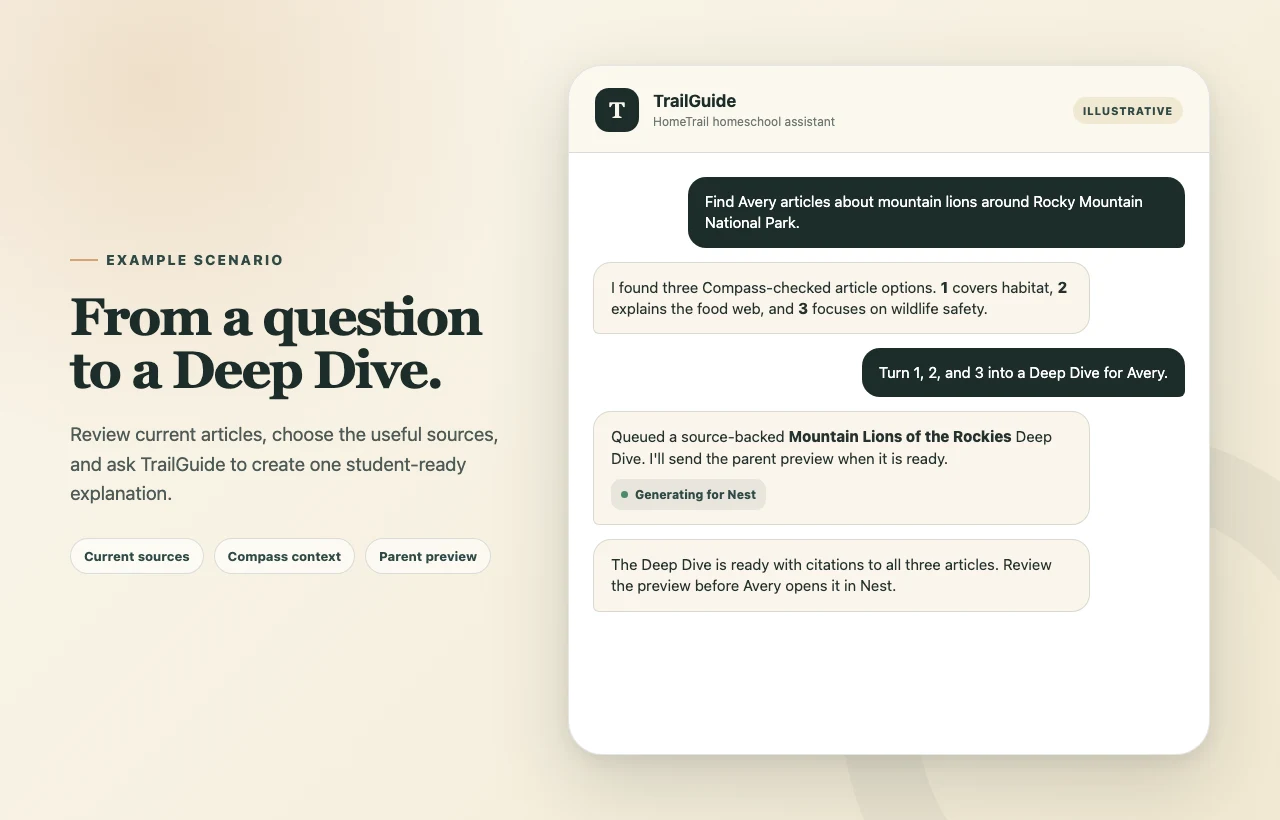
- Ask TrailGuide to research a topic for a student.
- Review the numbered article shortlist.
- Tell TrailGuide which articles to use, or ask it to choose suitable article results.
- Ask for a Deep Dive.
- Review the finished preview before making it available in Nest.
For example:
Find Avery articles about mountain lions and other animals around Rocky Mountain National Park.
Turn 1, 2, and 3 into a Deep Dive for Avery, with extra attention to habitat and wildlife safety.
TrailGuide can use up to three readable articles in one Deep Dive. Videos and podcast episodes can appear in a research shortlist, but the Deep Dive itself needs article sources that HomeTrail can read.
Create one from article links
You can skip the search when you already have useful sources:
Make Jordan a Deep Dive about wetland restoration using these articles: [links]
TrailGuide checks the links before generation. A source may be left out when HomeTrail cannot safely accept or read it, when it is not an article, or when it matches a publisher your family excluded.
What the student receives
The finished Deep Dive includes:
- A short, age-appropriate explanation
- Clear sections and useful vocabulary
- Ideas to remember or discuss
- Citations linking back to the source articles
Deep Dives are generated material, not a copy of the original articles. Review the preview, citations, and factual claims before the student relies on it. External sources can change after the guide is created.
Deep Dives require HomeTrail Plus and Nest access for the student.

